Unlocking WordPress: A Beginner’s Guide to Development Basics
This guide aims to unravel the core aspects of WordPress development for beginners. By understanding essential principles and tools, you can build attractive and functional websites on your own.
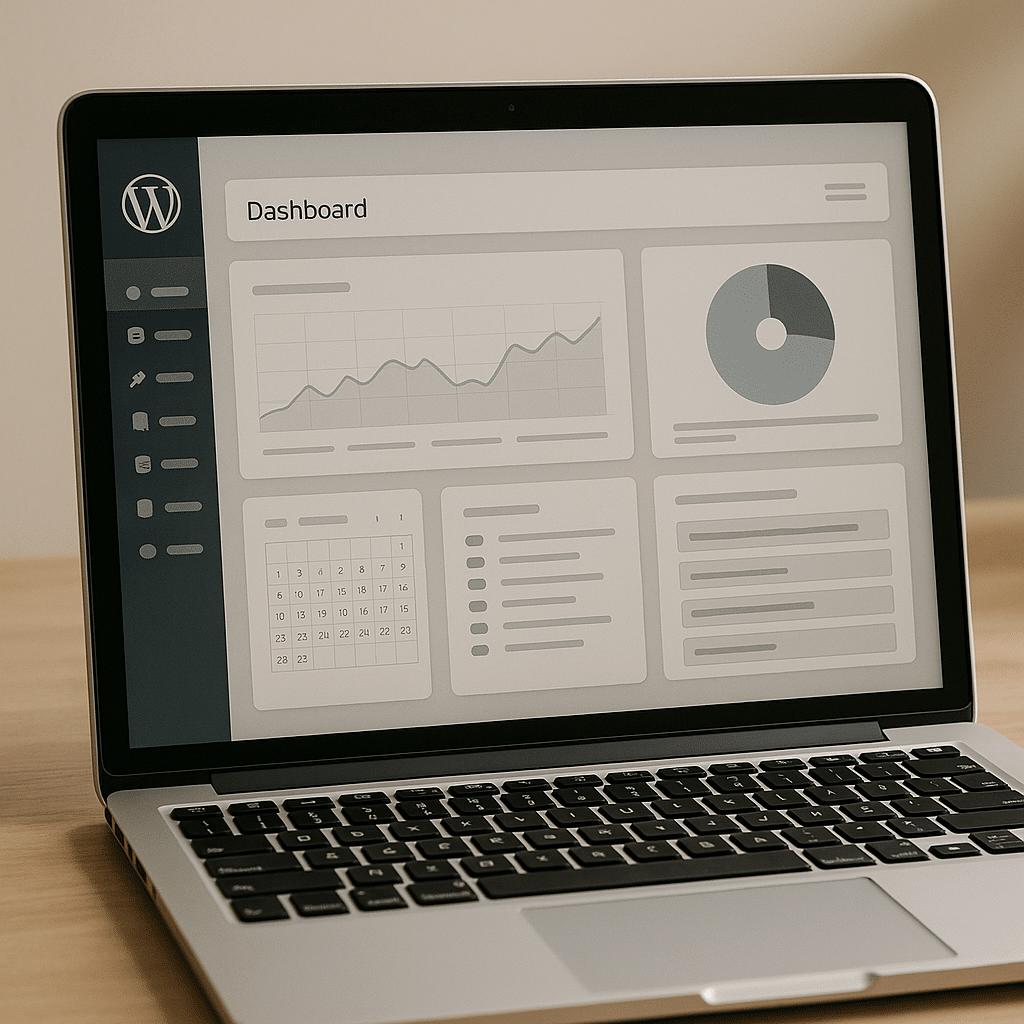
What is WordPress Development?
WordPress development involves creating and modifying websites using the WordPress content management system. It matters because WordPress powers over 40% of all websites today, making understanding its development crucial for aspiring web designers and developers.
In WordPress development, you can create themes, customize plugins, and design layouts. Good development practices lead to user-friendly websites, while poor practices can result in slow loading and a frustrating user experience.
Why Choose WordPress for Website Development?
Choosing WordPress for website development is beneficial due to its flexibility and user-friendliness. This platform allows for customization while being accessible for beginners. WordPress offers a vast library of themes and plugins that enhance functionality without needing extensive coding experience.
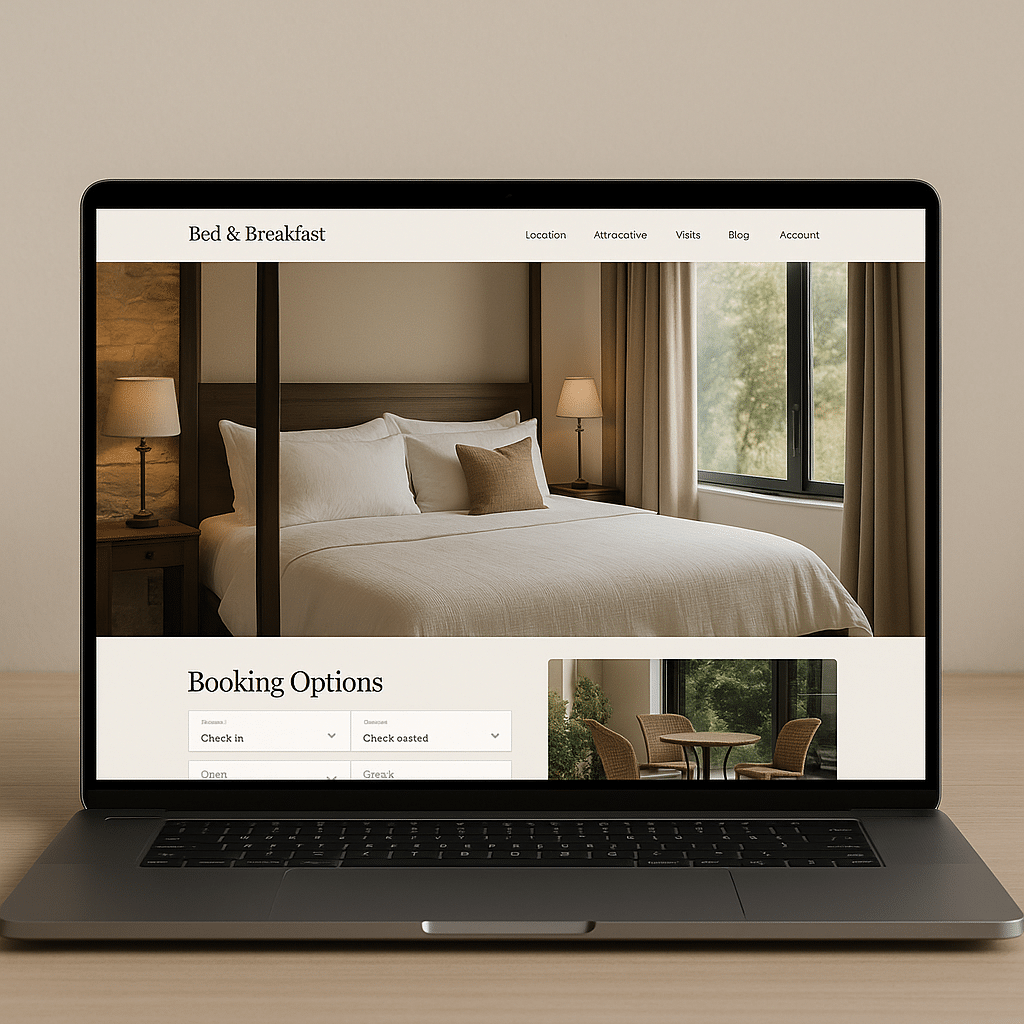
For example, a local bed and breakfast can use WordPress to showcase their services, integrate booking features, and manage online payments efficiently. Without WordPress, building such a functional site from scratch requires substantial time and skill.
What are the Basics of Building a WordPress Site?
The fundamentals of building a WordPress site include selecting a domain name, choosing a hosting provider, and installing WordPress. A domain name is the website’s address, while hosting is the service that makes your website accessible online. Installing WordPress is the first technical step in creating your site.
- Selecting a Domain Name: Choose a name that reflects your brand, is easy to remember, and has suggestions for optimizing SEO potential.
- Choosing a Hosting Provider: Pick a reliable provider that supports WordPress, ensuring fast load times and good uptime to keep your site available.
- Installing WordPress: Many hosting providers offer one-click installations, streamlining the setup process.
How Do Themes and Plugins Enhance WordPress Functionality?
Themes control the website’s appearance, while plugins extend its functionality. Both are crucial for creating a tailored website that meets users’ needs. High-quality themes improve visuals, leading to increased engagement, while plugins add features like contact forms or analytics tools, enhancing overall site performance.
A poor theme choice can result in a cluttered design that drives users away, while unsupported plugins may lead to security vulnerabilities or site crashes.
What Best Practices Should Beginners Follow in WordPress Development?
Beginners should adhere to best practices in WordPress development to ensure their sites are effective and secure. This includes regularly updating themes and plugins, optimizing images for quicker load times, and using secure passwords to protect the site from hackers.
Moreover, employing SEO strategies from the start can significantly impact a site’s reach. For instance, integrating metadata and maintaining a clear site structure enhances visibility on search engines.
How Can You Maintain Your WordPress Site Effectively?
Maintenance is essential for the longevity of a WordPress site. Regular backups and updates help protect against data loss and security threats. You can use various WordPress plugins to automate backups, simplifying the process.
Furthermore, monitoring site performance through analytics tools allows for timely adjustments to improve user experience. Slow-loading sites often miss potential customers or readers.
Practical Evaluation Checklist for WordPress Development
When evaluating a WordPress site, consider the following:
- Is the site user-friendly and easy to navigate?
- Do the designs align with current web standards?
- Are themes and plugins regularly updated?
- Is there an effective SEO strategy in place?
- Aren’t there any broken links or outdated content?
By adhering to these criteria, you can create a robust WordPress site that serves its purpose effectively.
For more advanced strategies in SEO and digital marketing, explore our resources: SEO Agency and Top Side Hustle of 2024.
Begin your journey in WordPress development today to unlock the potential of your online presence.
Frequently Asked Questions
What is WordPress?
WordPress is a content management system (CMS) that enables users to create, manage, and modify websites without needing extensive coding knowledge. Its ease of use and customizability make it a popular choice worldwide.
Do I need coding skills to use WordPress?
No, coding skills are not required to use WordPress. The platform offers a user-friendly interface with many themes and plugins that allow you to create websites without coding knowledge.
What is a WordPress theme?
A WordPress theme controls the visual appearance and layout of your website. Themes can be customized to fit your branding and enhance user experience.
How do I install WordPress?
You can install WordPress through various hosting providers that offer one-click installations or by manually downloading it from the WordPress website and following the installation guidelines.
What plugins should I consider for my site?
Consider essential plugins for SEO, security, and performance, such as Yoast SEO for optimization, Wordfence for security, and WP Super Cache for improved site speed.
Can I change my WordPress theme later?
Yes, you can change your WordPress theme at any time. However, it’s essential to ensure compatibility with existing content and functionalities to avoid potential disruptions.
What is website maintenance?
Website maintenance involves updating themes and plugins, backing up the site, and monitoring performance to ensure the website runs smoothly and securely.
How often should I update my WordPress site?
You should update your WordPress site regularly, ideally as soon as updates become available for themes, plugins, and the WordPress core to maintain security and performance.
What SEO strategies can I use on my WordPress site?
Utilize SEO plugins, optimize images, create quality content, and ensure your site is mobile-friendly to improve search engine rankings for your WordPress site.
Can I use WordPress for e-commerce?
Yes, WordPress can be used for e-commerce through plugins like WooCommerce, enabling you to sell products and services online easily.
What are child themes in WordPress?
Child themes are a way to modify an existing theme without losing the ability to update the parent theme. They allow customization while preserving the original theme’s code.
What is the Gutenberg editor?
The Gutenberg editor is WordPress’s block-based editor that allows for easier content creation and layout management, providing a more intuitive editing experience.
Is WordPress secure?
WordPress itself is secure but can be vulnerable if not properly maintained. Regular updates, strong passwords, and security plugins can help protect against attacks.
How do I choose a hosting provider?
Choose a hosting provider based on reliability, speed, customer support, and compatibility with WordPress. Look for providers that offer features tailored to WordPress users.
Where can I find WordPress support?
WordPress offers comprehensive documentation on its support page, and there are numerous forums and communities where you can ask questions and receive assistance.
How can I improve my site’s loading speed?
You can improve loading speed by optimizing images, using caching plugins, minimizing the use of heavy plugins, and selecting a reliable hosting provider.